Traffic Signal Light
ESP32 Dev Module Based Traffic Signal Automation
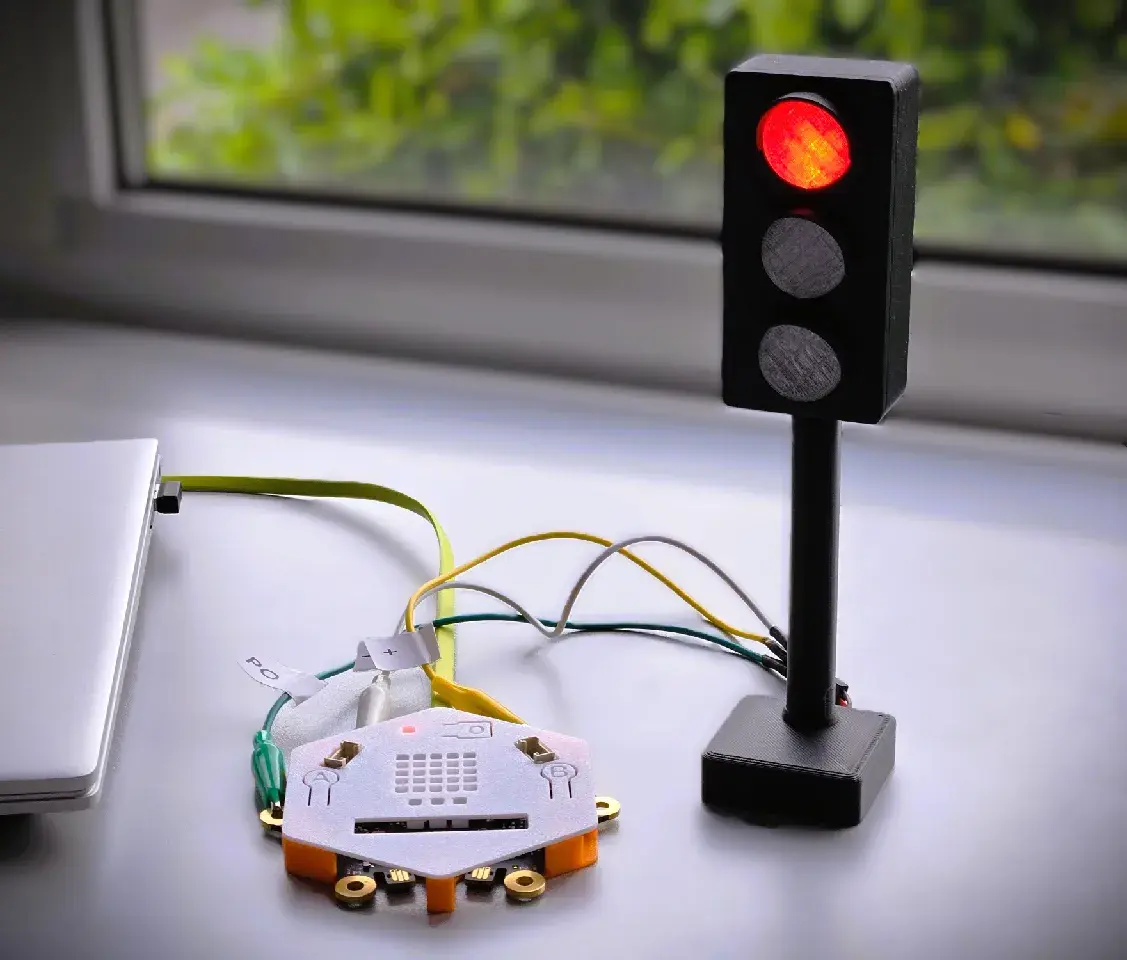
Overview
The Traffic Signal Light project demonstrates how an ESP32 can control a sequence of Red, Yellow, and Green LEDs to simulate a real traffic signal. Students learn GPIO output control, digital electronics, timing functions, and basic automation using the Arduino IDE.
How It Works
The ESP32 controls three LEDs connected to separate GPIO pins. Green LED turns ON to allow traffic. Yellow LED turns ON to indicate caution. Red LED turns ON to stop traffic. The sequence repeats continuously, just like a real traffic intersection. Students learn how digital outputs work and how delays can automate repetitive tasks.
What You Will Build
A complete, working traffic signal light using real ESP32 hardware, sensors, and motors. You will take it home once the course is complete.
Hardware Components
Project Details
Full Build Guide
Wiring diagrams, step-by-step build instructions, full code, and troubleshooting — available after enrollment.
Book a DemoBook 30-min Consult